02 / THE MAKER
AI CHARACTER REFERENCE SHEET GENERATOR
One character.
Every angle.
Turn one image into a complete character reference sheet. The face, the outfit, the details — ready for your next story.
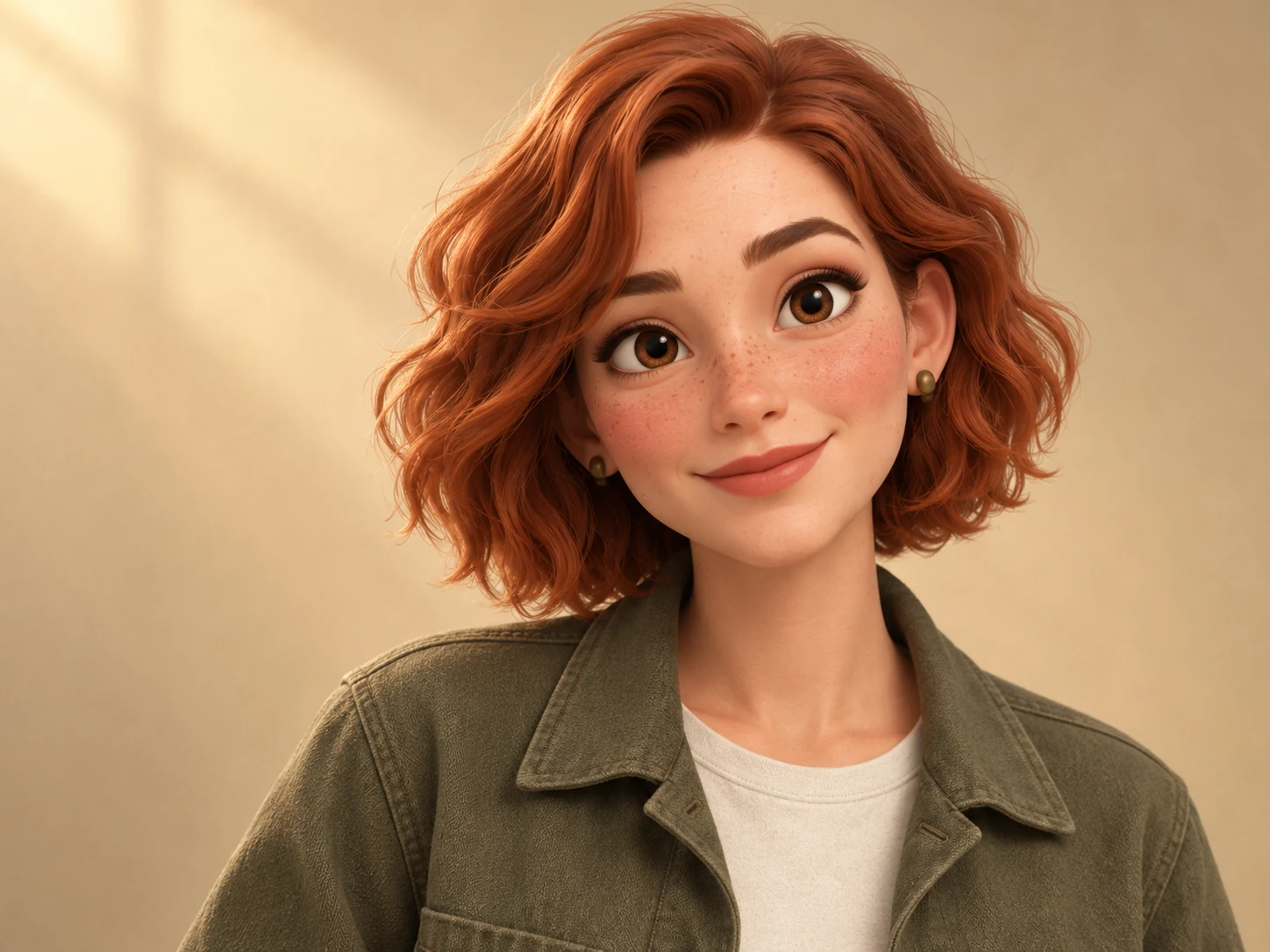
MARACHARACTER STUDY / 001
Front01
Three-quarter02
Side03
Back04
FROM FIRST IMAGE TO FINAL REFERENCE
01Upload a character02Create your set03Refine & export
CHARACTERS WITH A POINT OF VIEW
Your world.
Your cast.
From a storybook explorer to a cinematic lead. Start with a character that feels like yours.
Open the sample set01 / THE EXPLORERMara
3D illustration03 / THE BOTANIST
Lin
3D illustration04 / THE STORYTELLER
Oliver
Storybook characterORIGINAL STUDIO CHARACTER STUDIESA face. A personality. A place in your story.
INSIDE A CHARACTER PACK
One reference.
A complete set.
A clear visual starting point for illustrations, storyboards and your next creative workflow.
04
Full-body views
Front, three-quarter, side and back.
04
Expressions
Neutral, smiling, thoughtful and surprised.
A set you can take with you
Individual images and a contact sheet.
THE LONG WAY HOME
Mara.
CHARACTER REFERENCE
STUDY NO. 001
STUDY NO. 001
Front01
Three-quarter02
Side03
Back04
Neutral05
Smile06
Thoughtful07
Surprised08
+
Review every view.
Keep the details that make them, them.
A SHORT PATH FROM IDEA TO REFERENCE
Three steps.
Then, back to creating.
No model training. No complicated canvas.
Just your reference, your direction and a clear next step.
Character reference
mara-reference.pngReference added
01
Bring your character.
Upload a clear image. Add the details the reference doesn't show.
Front01
Three-quarter02
Side03
Back04
02
Create the full picture.
Generate a set of angles and expressions around your reference.
Side viewRefine image
03
Make the details yours.
Review, refine individual images and export the set when you're ready.
AI-generated views can vary. Your final review is part of the creative process.
ONE-TIME PACKS. YOUR OWN PACE.
Your next cast.
Room to create.
Choose a pack for the project in front of you.
A complete reference set includes 8 images,
a contact sheet and 2 image refinements.
Character packs are coming soon. Explore the studio sample today.
Starter
FOR YOUR FIRST CAST$9one-time
3 character sets
A small story. A few new faces.
Choose StarterStudio
MORE ROOM TO CREATE$19one-time
8 character sets
Room to explore your next world.
Choose StudioProduction
FOR A LARGER CAST$39one-time
20 character sets
A complete cast, ready to develop.
Choose ProductionNo recurring subscriptionYour characters stay privatePrices in USD · Final total shown at checkout
What makes a good starting image?
A clear image of one character, with the face and outfit visible. A full-body image helps. If you start with a portrait, describe the missing details in your character brief.
Will every detail stay exactly the same?
AI-generated views can introduce differences. Review the face, outfit and accessories across the set, then use individual-image refinements to adjust the details that matter.
What do I get when I export?
Your set includes eight individual reference images and a contact sheet. You can review the full set in your workspace before exporting.
Do I need to train a model?
No. Start with a reference image, describe your character, and choose the set you want to create.
How long are my images available?
Uploaded references and generated images are automatically deleted after 24 hours. Download the files you want to keep before the expiry time shown in your workspace.
How do I create an account?
Enter your email address and verify the code. If you're new, the same flow creates your account after you accept the User Agreement and review the Privacy Policy.
THE NEXT STORY STARTS HERE